


button
Documents taguées (207)
channel guide contact us: 1-888-935-5050 or 145 from your Digicel mobile. digic
0
0

PRODUCT OVERVIEW 0 1 PRODUCT OVERVIEW 4 JPRO® PROFESSIONAL DIAGNOSTIC SOFTWARE
0
0

- 1 - Bendix ® ACom ® Diagnostics Diagnostic Software 6.5 User Guide - 2 - Cont
0
0

- 1 - Bendix ® ACom ® Diagnostics Diagnostic Software 6.5 User Guide - 2 - Cont
0
0

RISA-3D Rapid Interactive Structural Analysis – 3-Dimensional Version 5.0 User’
0
0

USEO INSTRUCTIONS 1. Visit http://ngi.teletalk.com.bd/ 2. CLICK on USEO Login b
0
0

Below the letter buttons, you’ll find the number pad. These 10 number buttons ar
0
0

File Tracking System (FTS) User Guide Prepared by: Reviewed and Approved by eGo
0
0

UCCX10BC Cisco Unified Contact Center Express Lab Guide Version 1.0 Lab Guide O
0
0

MULTIFUNCTIONAL DIGITAL SYSTEMS Operator's Manual for Facsimile Function GD-120
0
0

MULTIFUNCTIONAL DIGITAL SYSTEMS Operator's Manual for Facsimile Function GD-120
0
0

Online Essentials Quick Reference This quick reference is for Microsoft Interne
0
0

2.0 User Guide http://www.debugmode.com Wink™ © 2003-06 Satish Kumar. S. All ri
0
0

Premium Frequently Asked Questions For Lecturers 2 Table of Contents Table of C
0
0

Premium Frequently Asked Questions For Lecturers 2 Table of Contents Table of C
0
0
Thank you for choosing SLT PEO TV USER GUIDE 1 Your PEO TV Remote Controller Fu
0
0

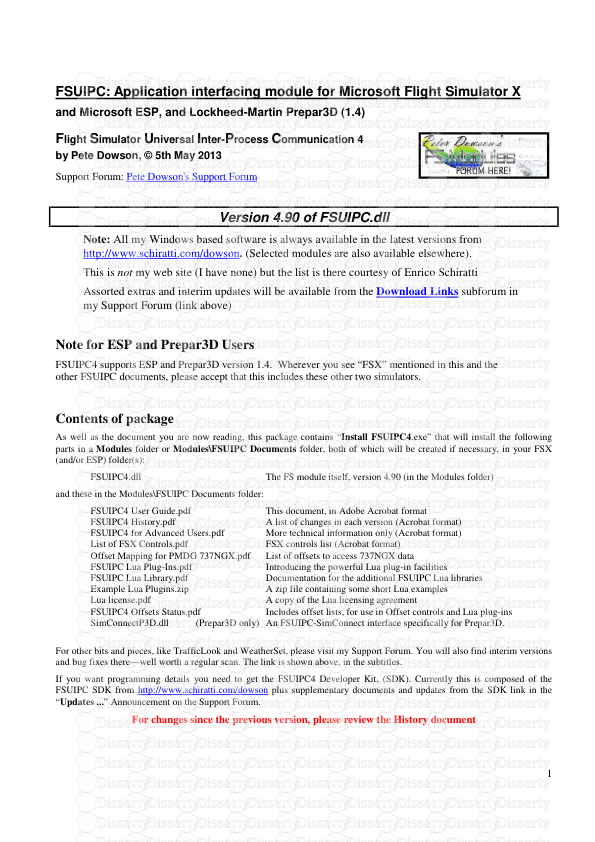
1 FSUIPC: Application interfacing module for Microsoft Flight Simulator X and M
0
0
External Controls Custom Setting Menus External Controls Custom Setting Menus E
0
0

External Controls Custom Setting Menus External Controls Custom Setting Menus E
0
0

Wilco Fleet A380 Add-on for Microsoft Flight Simulator PILOT’S GUIDE Not for r
0
0

Increase Speed/ Jog Forward (from an Anchor Position) Heading Lock Steer Left/
0
0

Increase Speed/ Jog Forward (from an Anchor Position) Heading Lock Steer Left/
0
0

Introduction The intention of this guide is to explain the features of FMRTE. T
0
0

Boot st r ap Q ui ck G ui de Boot st r ap Q ui ck G ui de Boot st r ap Q ui ck
0
0
